Filesystem-first gallery management
Galleries are real folders. The database adds metadata, access rules, sort order, tags, votes, and admin state, while the directory structure stays portable and inspectable.
Open-source photo gallery CMS for real shared hosting
PHP Gallery turns an ordinary PHP 8 and MySQL hosting account into a fast, organized, admin-friendly photo archive, with nested galleries, responsive thumbnails, EXIF, GPS maps, theming, updates, logs, and privacy-safe telemetry.
Product capabilities
PHP Gallery focuses on the workflows that matter after the first upload: hierarchy, metadata, performance, privacy, maintenance, and predictable hosting requirements.
Galleries are real folders. The database adds metadata, access rules, sort order, tags, votes, and admin state, while the directory structure stays portable and inspectable.
Generate JPEG and WebP variants, serve thumbnail sizes matched to the rendered grid, and avoid overfetching on mobile and dense gallery pages.
Create galleries, upload images, scan folders, reorder pictures, manage tags, assign covers, handle bulk operations, and review maintenance status from the admin area.
Use public listings, unlisted direct links, admin-only drafts, private access, passwords, and token-style share links without changing the underlying folders.
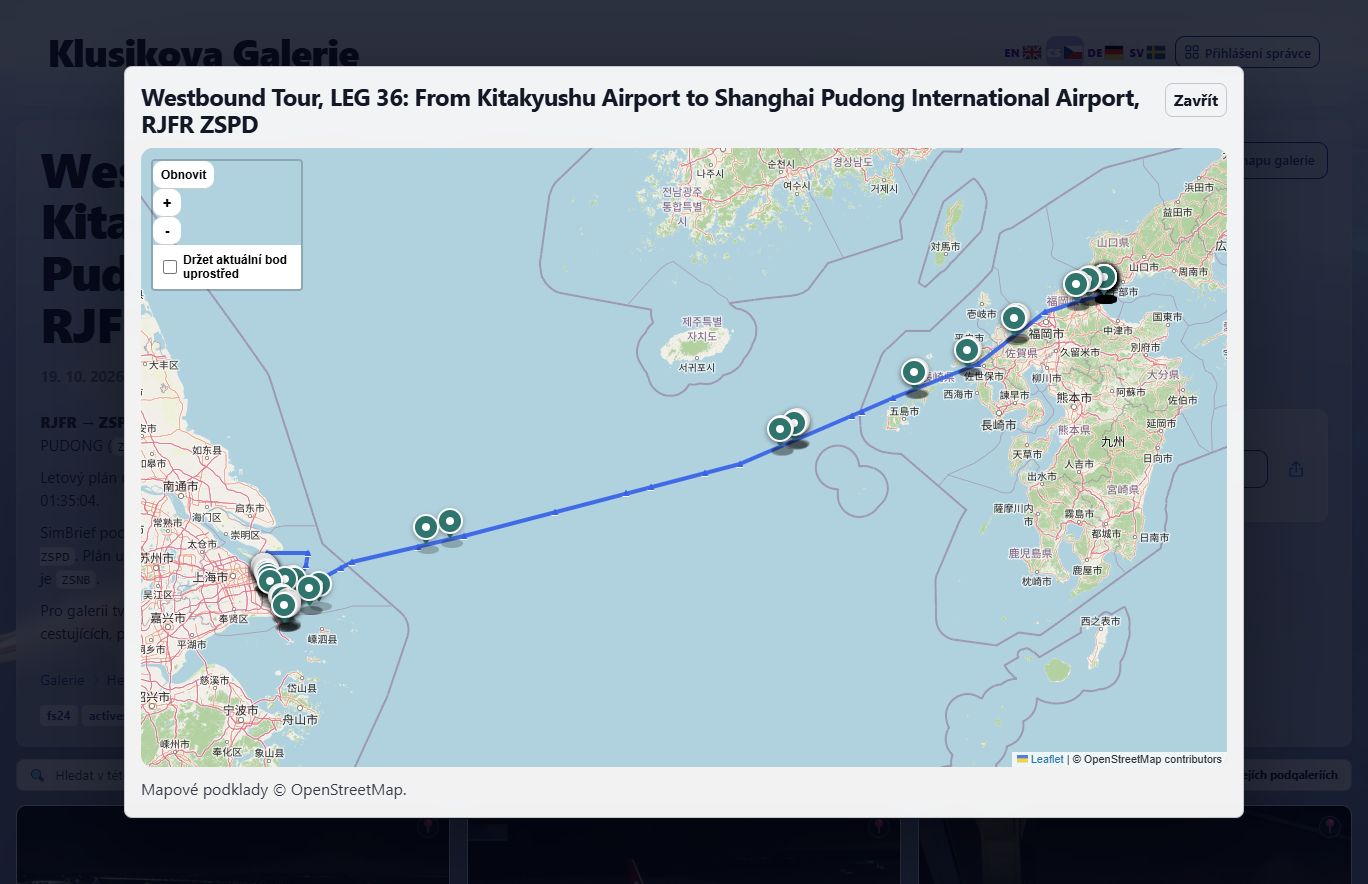
Surface camera metadata, lens information, location data, and interactive maps where available, while keeping those features configurable per gallery.
Use admin audit logs, thumbnail maintenance checks, database integrity tools, update status, and privacy-conscious telemetry exports to understand what the installation is doing.
Visual showcase
The public gallery can stay clean and image-focused while the admin side handles the tedious parts: scanning, thumbnail repair, metadata, sorting, access control, updates, and logs.
Why PHP Gallery
Many galleries assume a VPS, Node stack, container deployment, or package manager access. PHP Gallery targets the more common case: Apache-compatible shared hosting with PHP and MySQL.
The filesystem is not treated as a hidden storage backend. It remains the canonical archive shape, so folder moves, imports, backups, and manual inspection stay understandable.
Maintenance, logs, migrations, updates, thumbnails, integrity checks, and account settings are not afterthoughts. They are first-class workflows for long-running galleries.
Technical highlights
Runs on a conventional PHP hosting account with PDO MySQL. MariaDB is supported, and query-string routes can work even where rewrites are unavailable.
Thumbnail generation uses GD for common formats, with WebP variants for efficient delivery. DNG originals can be kept while display masters and thumbnails are generated for browsing.
Schema migration support, GitHub-based update checks, patch notes, audit trails, log exports, and recovery-oriented maintenance tools support real installations.
Usage statistics are designed around anonymous operational insight rather than advertising profiles. Admins can disable collection and export the data they keep.
Getting started
The fastest route is the bootstrap installer. Create an empty database, upload setup-gallery.php, open it in the browser, and let the installer fetch and configure the application.
https://github.com/klusik/PHP_gallery/raw/main/setup-gallery.php
Create an empty MySQL or MariaDB database in the hosting control panel.
Place setup-gallery.php in the web root for the new installation.
Enter database credentials, create the admin account, and let the installer write the configuration.
Upload folders or images, scan the filesystem, generate thumbnails, and publish what should be visible.
Ready for phpgallery.site
This landing page is static, fast, cacheable, and does not require PHP or a database. The gallery app remains separate and can be installed wherever you want the live demo or production gallery.